
Infographic to Video (Narrated Explainer from a Picture)
your infographic in, a narrated video out
DistilBook reads your infographic with AI vision, explains it point by point in a voiceover, and draws new slides for each point. It does not animate your original design.
Trusted by teams, schools, and organizations around the world







To turn an infographic into a video, save it as a JPG, PNG or WebP and upload it in DistilBook's Guided Explainer, Image tab. AI vision reads the text, numbers, charts and diagrams, DistilBook drafts a narration you can edit, then draws a hand-drawn slide for each point and joins them into one voiced MP4. You can add up to 20 pictures to one video (10 on the Basic plan), so a long infographic can go in as several cropped parts.
You start free: signing up gives you 10 credits with no credit card, a slide costs 10 credits, so the first slide of your video generates free and you can watch it in full; the rest unlocks on a paid plan. DistilBook accepts PDF, Word, images, plain text, a web article link, or a written prompt, and you approve the AI narration script before anything renders. Paid plans start at $20 per month for 230 credits, roughly 23 slides, which removes the watermark and unlocks MP4 export at up to 1440p. Narration is available in 20 languages, and the infographic to video output can carry your own logo and brand colors. Whiteboard and motion videos can be made in 16:9 landscape or in 9:16 vertical for Shorts, Reels and TikTok. Since April 2026, more than 1,400 people have made over 2,800 videos with DistilBook, most of them from PDFs.
Last updated : timings, limits and prices on this page were checked against the live product.
Two kinds of infographic video
An animated infographic moves the parts of your own design: the bars grow, the icons slide in. That needs a motion designer or a tool like After Effects, and DistilBook does not do it. DistilBook makes the other kind: an explainer that walks the viewer through what the infographic says, with a voiceover and new hand-drawn slides, so people who would skim the picture get the message.
Is it the right tool for you?
Best for
- A narrated explainer of an infographic you already have
- Short training or class videos from one-page visuals
- Vertical 9:16 versions for phones
Not for
- Animating the parts of your own infographic design
- Keeping your original layout on screen
- Motion graphics styles from a picture
What do the videos look like?
Untouched DistilBook output. Press play on any of them.
How does it work?

Upload the infographic
Open the Guided Explainer, choose the Image tab and add the infographic as a JPG, PNG or WebP. A tall one can go in as several cropped parts, in order.
Edit the script
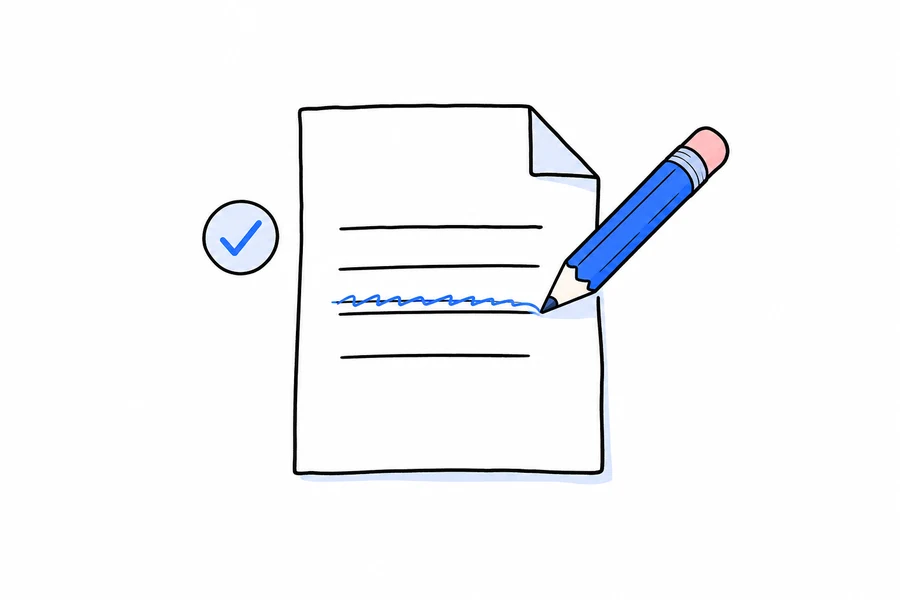
AI vision reads the picture and DistilBook drafts the narration. Check the numbers and change any line before the slides are drawn. Writing and editing the script costs no credits.
Generate the video
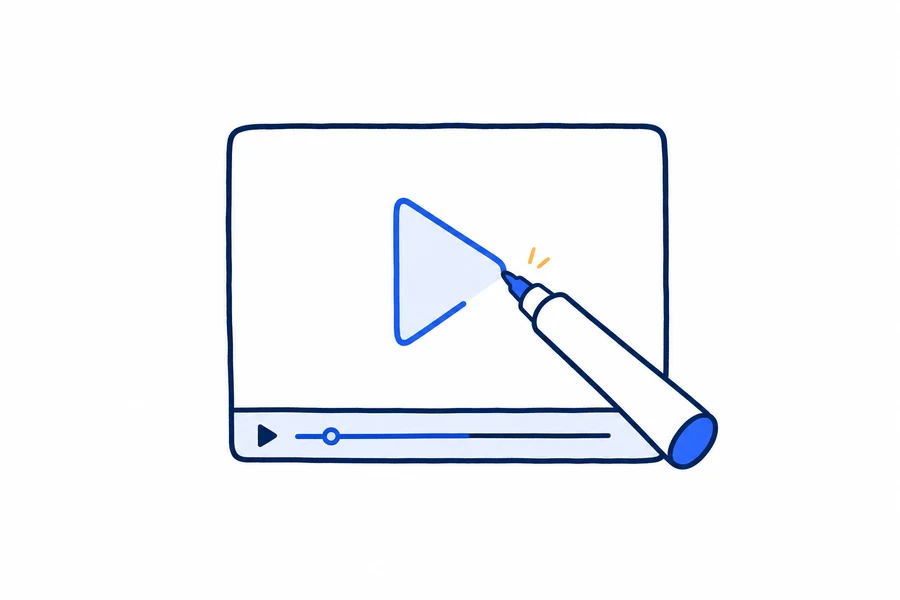
Pick a Guided style, a voice and a language. Each slide costs 10 credits.
Export the MP4
Download the MP4 at 720p, 1080p or 1440p, in 16:9 or 9:16, with .SRT or .VTT subtitles, or share a web link.
What works and what doesn't
The rules below come from how DistilBook reads pictures, so you know what to expect before you upload.
Pictures it reads
- JPG, PNG or WebP files, up to 500 MB together.
- Up to 20 pictures in one video, and up to 10 on the Basic plan. Each picture counts as one page.
- AI vision reads the text, the numbers in charts and the labels in diagrams. Small or blurry text may be misread, so export the infographic at full size and check the script.
Long infographics
- A very tall infographic is scaled down before it is read, so tiny text at the bottom can be lost.
- Crop it into 2 to 6 parts (one section each) and upload them in order. The video follows the order of the pictures.
- If you have the infographic's text as a document, upload that instead: the Files tab reads PDF, Word, Markdown and plain text.
Styles for pictures
- Pictures go through the Guided Explainer, which has 5 styles: Classic Whiteboard, Mono Line Art, Sketch Notebook, Minimal Yellow Line and Hand-Drawn Education.
- The video is about 2 minutes per slide, and you choose the length, from 30 seconds to 20 minutes.
What it does not do
- It does not animate your original design or keep your layout on screen. The slides are new drawings of the same points.
- The option to read your own text word for word works for documents and web pages, not for pictures. Edit the drafted script instead.
What do you get in every video?
| Video styles | 19 styles: hand-drawn whiteboard plus motion graphics |
|---|---|
| Narration | AI voices in 20 languages, reviewed and editable before generation |
| First result | First narrated slide plays in about 6 minutes |
| Branding | Your logo, colors, and company text on every slide |
| Editing | Edit narration, slide images, titles, and reveals before rendering |
| Export | MP4 at 720p, 1080p, or 1440p, plus a shareable web link |
| Inputs | PDF, Word, images, plain text, web articles, or a written prompt |
What does it cost?
The first slide generates free with 10 signup credits. Paid plans are priced per slide, so a video costs a predictable amount.
| Plan | Price | Credits | What that makes | Notes |
|---|---|---|---|---|
| Free | $0 | 30 credits for 7 days | First 3 slides generated | Card checked, nothing charged |
| Basic | $20 / month | 230 credits / month | About 23 slides, 45 minutes of video | MP4 download, no watermark |
| Pro | $50 / month | 650 credits / month | About 65 slides | 1080p export, longer videos |
| Max | $100 / month | 1,340 credits / month | About 134 slides | 1440p export, priority queue |
One slide costs 10 credits. Yearly plans are 30% cheaper. Full details on the pricing page.
Who is this for?
Trainers and L&D teams
Turn a one-page process or safety infographic into a short narrated video for the LMS, with subtitles.
Teachers
Explain a textbook diagram or a class infographic out loud, so students hear it as well as see it.
Marketing and comms teams
Give a report's key-findings infographic a 2-minute voiced version for people who won't read the picture.
Frequently asked questions
Can I turn an infographic into a video for free?
New DistilBook accounts get free credits to try it, and writing and editing the script costs nothing; see the pricing page for the current trial and plans. Free template tools can animate an infographic you rebuild inside them, but they don't read the one you already have.
Will my infographic be animated?
No. DistilBook explains what the infographic says with a voiceover and new hand-drawn slides. To make the bars, icons and numbers of your own design move, you need a motion design tool such as After Effects.
What file should I upload?
A JPG, PNG or WebP picture of the infographic. Export it at full size so the text is sharp. For a very tall infographic, crop it into a few parts and upload them in order.
Does it read the numbers in charts?
AI vision reads text, chart numbers and diagram labels. Always check the drafted script against your infographic before you generate, because small or unclear text can be misread.
How long will the video be?
You pick the length, from 30 seconds to 20 minutes. Each slide runs about 2 minutes in the Guided styles that pictures use.
Can I use a motion graphics style?
Pictures go through the Guided Explainer's 5 hand-drawn and line-art styles. For a motion graphics style, upload the infographic's text as a document instead.
Guides and comparisons
How does DistilBook compare?
Deciding between tools? These honest comparisons cover pricing, visual styles, and who should pick which.
Common questions are answered on the answers page, and step by step guides live in the docs.
Or read the full roundup: the best AI tools to turn documents into training videos in 2026.
Related tools
Notes to Video Generator
Messy notes in, a clean narrated lesson out. The AI organises your notes into a story, illustrates each idea, and narrates it in the voice and language you choose.
PDF to Video Converter
Upload a PDF and get back a narrated, animated explainer video. The AI reads the document, writes the script, and builds every slide.
Document to Video Converter
PDF, Word, Markdown or plain text in. A narrated, animated explainer video out. The AI reads the document, writes the script, and builds every slide.
PDF to MP4 (Narrated Video from a PDF)
Not a slideshow of your pages: DistilBook reads the PDF, writes a script you approve, and draws and voices a scene for each point, then exports an MP4.
AI Whiteboard Animation Generator
Turn any document or idea into a hand-drawn whiteboard video with AI narration. No drawing, no recording, no timeline editing.
Training Video Maker
Your existing SOPs, policies and handbooks become narrated training videos. No camera, no voice actor, no editing software.
AI Explainer Video Maker
From source material to finished explainer: script, artwork, narration, and animation, generated in one flow you can steer.
Markdown to Video (.md File to Video)
READMEs, docs pages, notes and blog drafts written in Markdown become a narrated explainer, one illustrated scene per point.
Ready to see your content as a video?
Your first narrated slide is about 3 minutes away.