
Markdown to Video (.md File to Video)
your .md in, a narrated video out
READMEs, docs pages, notes and blog drafts written in Markdown become a narrated explainer, one illustrated scene per point.
Trusted by teams, schools, and organizations around the world







To turn a Markdown file into a video, upload the .md (or .markdown) file to DistilBook. It reads the text, writes a narration script slide by slide and stops so you can edit every line, then draws a scene for each point and voices it. About 300 words count as one page, so a 3,000 word file fits the Basic plan's 10 page limit, and a Motion video runs about 30 seconds per slide.
You start free: signing up gives you 10 credits with no credit card, a slide costs 10 credits, so the first slide of your video generates free and you can watch it in full; the rest unlocks on a paid plan. DistilBook accepts PDF, Word, images, plain text, a web article link, or a written prompt, and you approve the AI narration script before anything renders. Paid plans start at $20 per month for 230 credits, roughly 23 slides, which removes the watermark and unlocks MP4 export at up to 1440p. Narration is available in 20 languages, and the markdown to video output can carry your own logo and brand colors. Whiteboard and motion videos can be made in 16:9 landscape or in 9:16 vertical for Shorts, Reels and TikTok. Since April 2026, more than 1,400 people have made over 2,800 videos with DistilBook, most of them from PDFs.
Last updated : timings, limits and prices on this page were checked against the live product.
What kind of Markdown to video tool is this?
DistilBook is an explainer video generator. It does not render your Markdown as scrolling text or code slides, and it is not a developer tool that turns Marp or Remotion files into frames. It reads what your document says and explains it with narration and new illustrations, the way a teacher would.
Is it the right tool for you?
Best for
- READMEs, help articles and docs pages
- Notes and drafts written in Markdown
- Short explainers for onboarding and training
Not for
- Rendering Marp or slide decks as they are
- Showing code line by line on screen
- Screen recordings of a product
What do the videos look like?
Untouched DistilBook output. Press play on any of them.
How does it work?
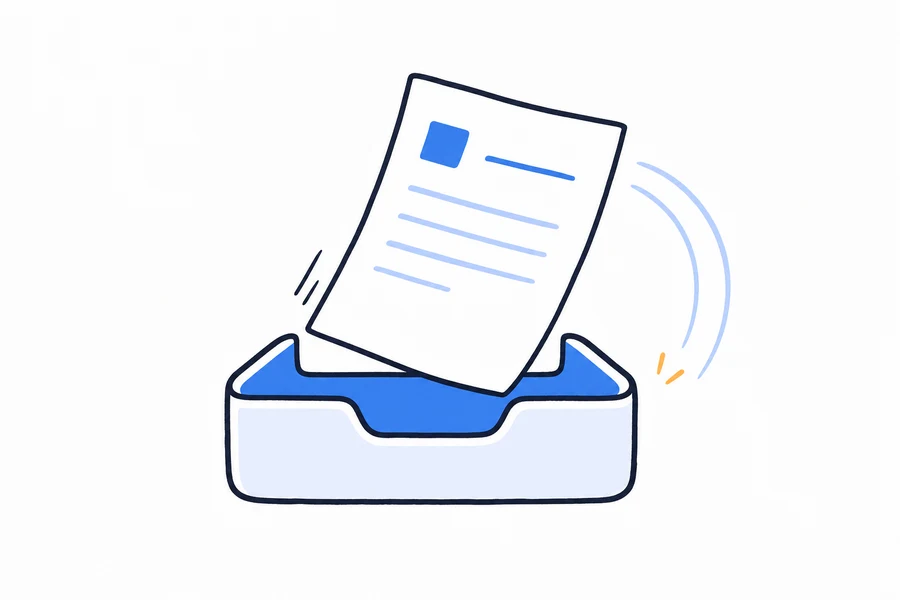
Upload the .md file
Drop in a .md or .markdown file. Plain .txt works too. Nothing to convert first.
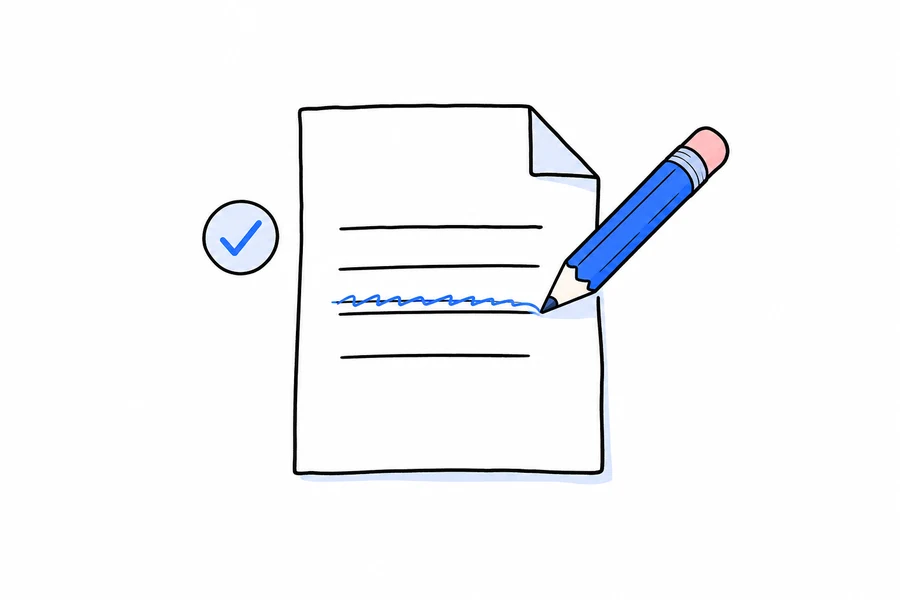
Read and edit the script
DistilBook drafts the narration from your text and pauses. Writing and editing the script is free; you can change any line, or paste your own words to be read exactly.
Pick a style and generate
Choose a hand-drawn whiteboard or a motion graphics style. Each slide costs 10 credits and gets its own illustration and voiceover.
Download or share
Export an MP4 in 16:9 or 9:16, with subtitles as .SRT or .VTT, or share the web player link.
What happens to your Markdown
Markdown is plain text with a little structure, which makes it one of the cleanest inputs for a video. Here is what carries over and what does not.
Headings, lists and paragraphs
- Your text is read as the source of the script, so a clear # heading per idea and short lists give the cleanest slides.
- Emphasis, links and other formatting marks are not read aloud; the narration is written in plain sentences you can edit.
- Code blocks are treated as text to explain, not shown as code. For a code walkthrough, describe what the code does in the script.
Images in the file
- Images embedded in the file, or linked with a full https:// address, are pulled in with the document.
- Images saved as relative paths (like ./img/diagram.png) are skipped, because only the .md file is uploaded. Swap them for full links, or export the page to PDF first.
- Every slide also gets a newly drawn illustration, so a text-only file still turns into a visual video.
Length and limits
- About 300 words count as one page against your plan: around 3,000 words on Basic and 9,000 on Pro.
- For a long docs site, make one video per page or section. Short videos are easier to watch and to update when the docs change.
What do you get in every video?
| Video styles | 19 styles: hand-drawn whiteboard plus motion graphics |
|---|---|
| Narration | AI voices in 20 languages, reviewed and editable before generation |
| First result | First narrated slide plays in about 6 minutes |
| Branding | Your logo, colors, and company text on every slide |
| Editing | Edit narration, slide images, titles, and reveals before rendering |
| Export | MP4 at 720p, 1080p, or 1440p, plus a shareable web link |
| Inputs | PDF, Word, images, plain text, web articles, or a written prompt |
What does it cost?
The first slide generates free with 10 signup credits. Paid plans are priced per slide, so a video costs a predictable amount.
| Plan | Price | Credits | What that makes | Notes |
|---|---|---|---|---|
| Free | $0 | 30 credits for 7 days | First 3 slides generated | Card checked, nothing charged |
| Basic | $20 / month | 230 credits / month | About 23 slides, 45 minutes of video | MP4 download, no watermark |
| Pro | $50 / month | 650 credits / month | About 65 slides | 1080p export, longer videos |
| Max | $100 / month | 1,340 credits / month | About 134 slides | 1440p export, priority queue |
One slide costs 10 credits. Yearly plans are 30% cheaper. Full details on the pricing page.
Who is this for?
Docs and support teams
Turn a help-center article or README into a short explainer for onboarding, release notes or a support reply.
Writers who draft in Markdown
Notes from Obsidian, a blog draft or a newsletter become a narrated video without opening an editor.
Trainers and L&D
Procedures kept in a wiki or Git repo become watchable training videos that follow the document's order.
Frequently asked questions
Can I convert an .md file to a video?
Yes. Upload the .md or .markdown file directly. DistilBook drafts a narration script from it, waits for your approval, then generates illustrated slides with an AI voiceover and joins them into one video.
Does it keep images from my Markdown?
Images embedded in the file or linked with a full https address are pulled in. Images saved as relative paths are skipped, because they are not uploaded with the .md file.
Will my code blocks show up on screen?
No. DistilBook explains content with narration and new illustrations; it does not render code or Markdown as slides. If you need your exact code on screen, a screen recording tool is a better fit.
How long can the Markdown file be?
About 300 words count as one page, so roughly 3,000 words fit Basic (10 pages) and 9,000 fit Pro (30 pages). Max has no page limit.
Can the narration read my text word for word?
Yes. Edit the script before generation, or use your own text as the narration, and it is read exactly as written.
Can I try it for free?
Yes. New accounts get free credits to try it, and writing and editing the script costs nothing. Paid plans start at $20 a month; see the pricing page for the current trial.
Guides and comparisons
How does DistilBook compare?
Deciding between tools? These honest comparisons cover pricing, visual styles, and who should pick which.
Common questions are answered on the answers page, and step by step guides live in the docs.
Or read the full roundup: the best AI tools to turn documents into training videos in 2026.
Related tools
Document to Video Converter
PDF, Word, Markdown or plain text in. A narrated, animated explainer video out. The AI reads the document, writes the script, and builds every slide.
Word Document to Video Converter
Turn a DOCX file into an animated, narrated video. Headings become sections, key points become scenes.
Text to Video AI
Upload your notes, an article or a chapter. DistilBook writes the narration, draws a scene for every idea and voices it.
PDF to Video Converter
Upload a PDF and get back a narrated, animated explainer video. The AI reads the document, writes the script, and builds every slide.
Blog to Video Converter
Paste a post URL and republish it as a narrated, animated video. One piece of writing, two distribution channels.
Notes to Video Generator
Messy notes in, a clean narrated lesson out. The AI organises your notes into a story, illustrates each idea, and narrates it in the voice and language you choose.
SOP to Video Converter
Standard operating procedures, shown instead of read. Upload the SOP and get a step-by-step narrated video your team can watch on the floor, on a phone.
AI Explainer Video Generator
Give it a document or a prompt. Read the script it writes. Then it generates.
Ready to see your content as a video?
Your first narrated slide is about 3 minutes away.