
AI Video for E-Learning
visuals that teach, not decorate
Instructional visuals drawn to explain each idea, made from the course material you already have.
Trusted by teams, schools, and organizations around the world







DistilBook turns e-learning content into narrated instructional videos. Upload a PDF, Word file or notes, and it writes the narration, draws an original visual for each idea, voices it and animates it in sync. There is no talking head and no stock footage, so every scene shows the concept the learner is hearing about. A short whiteboard lesson is ready in about 5 minutes and a 10 slide module in about 15 to 25 minutes. Download an MP4 up to 1440p for any LMS, with narration in 20 languages including Hungarian, Polish and German.
You start free: signing up gives you 10 credits with no credit card, a slide costs 10 credits, so the first slide of your video generates free and you can watch it in full; the rest unlocks on a paid plan. DistilBook accepts PDF, Word, images, plain text, a web article link, or a written prompt, and you approve the AI narration script before anything renders. Paid plans start at $20 per month for 227 credits, roughly 22 slides, which removes the watermark and unlocks MP4 export at up to 1440p. Narration is available in 20 languages, and the ai video for elearning output can carry your own logo and brand colors. Whiteboard and motion videos can be made in 16:9 landscape or in 9:16 vertical for Shorts, Reels and TikTok. Since April 2026, more than 1,400 people have made over 2,800 videos with DistilBook, most of them from PDFs.
Last updated : timings, limits and prices on this page were checked against the live product.
Which kind of e-learning video tool is this?
AI video tools for e-learning fall into three groups. Avatar tools such as Synthesia, HeyGen and Colossyan put a synthetic presenter on screen. Stock-footage tools such as Pictory and Lumen5 lay text and narration over library clips. Instructional explainer tools draw visuals for the concept itself. DistilBook is the third kind.
What do the videos look like?
Untouched DistilBook output. Press play on any of them.
How does it work?
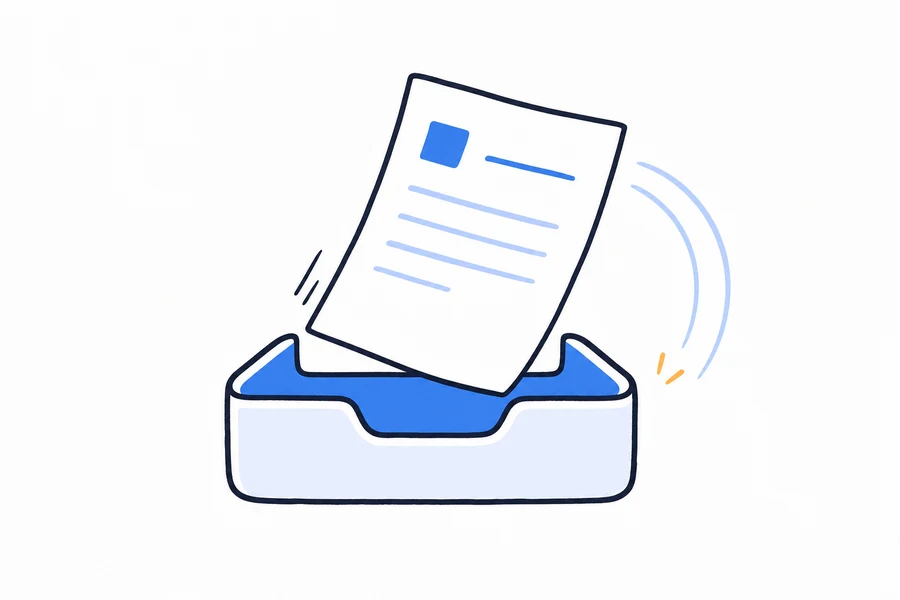
Start from the course material
Upload the module as a PDF (scanned pages included), a Word file, Markdown or plain text, images or a web link, or type a prompt. A PowerPoint deck works as a PDF export. Headings become the slide breaks.
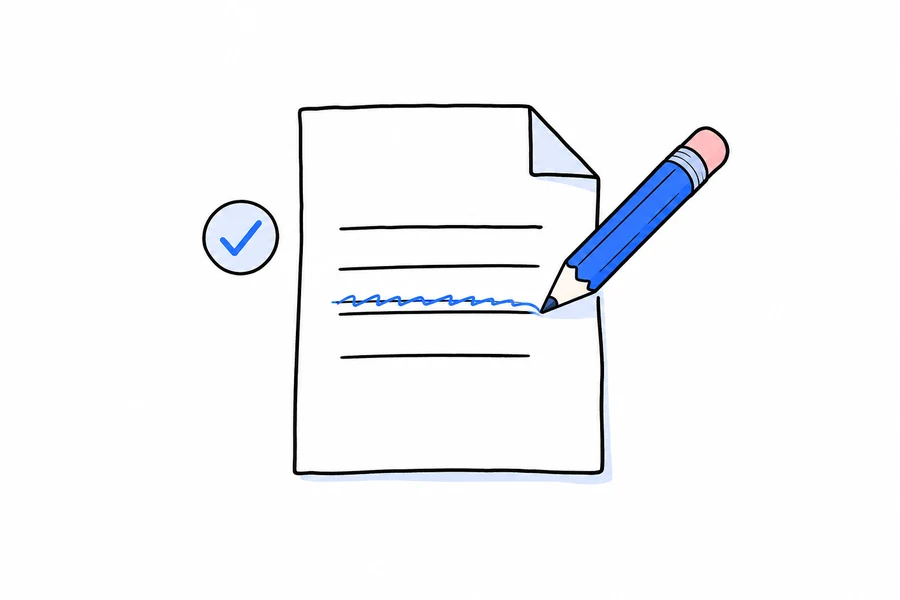
Set the learner and the language
Choose the audience and one of 20 narration languages. The script is written for that learner in that language, not translated word for word from English.
Review every line before anything is drawn
The AI writes the narration and stops. Check terms, numbers and conditions, which is where instructional accuracy lives, and use visual instructions to steer how the artwork is drawn.
Generate, refine, and add it to your course
Each scene is drawn and animated in time with the narration. Change any slide's artwork in the editor, then download an MP4 in 16:9 or 9:16, up to 1440p, and add it to your LMS or authoring tool.
What do you get in every video?
| Video styles | 19 styles: hand-drawn whiteboard plus motion graphics |
|---|---|
| Narration | AI voices in 20 languages, reviewed and editable before generation |
| First result | First narrated slide plays in about 6 minutes |
| Branding | Your logo, colors, and company text on every slide |
| Editing | Edit narration, slide images, titles, and reveals before rendering |
| Export | MP4 at 720p, 1080p, or 1440p, plus a shareable web link |
| Inputs | PDF, Word, images, plain text, web articles, or a written prompt |
What does it cost?
The first slide generates free with 10 signup credits. Paid plans are priced per slide, so a video costs a predictable amount.
| Plan | Price | Credits | What that makes | Notes |
|---|---|---|---|---|
| Free | $0 | 10 credits on signup | First slide generated, watermarked preview | No credit card |
| Basic | $20 / month | 227 credits / month | About 22 slides, 45 minutes of video | MP4 download, no watermark |
| Pro | $50 / month | 643 credits / month | About 64 slides | 1080p export, longer videos |
| Max | $100 / month | 1,334 credits / month | About 133 slides | 1440p export, priority queue |
One slide costs 10 credits. Yearly plans are 30% cheaper. Full details on the pricing page.
Who is this for?
E-learning agencies and studios
You build courses for many clients. Turn each client's source documents into videos with their logo and colours, in their learners' language, without a video team on every project.
Instructional designers
Keep control of the instructional logic at the script step, and let the visuals be drawn for each concept instead of searched for in a stock library.
Training and L&D teams
Turn policies, SOPs and product guides into short modules, and regenerate when the document changes instead of re-recording.
Frequently asked questions
What is the best AI video tool for e-learning?
It depends on what your learners should see. For a presenter on screen, avatar tools such as Synthesia, HeyGen or Colossyan. For visuals that explain the concept itself, DistilBook: it draws an original instructional scene for each idea from your course material, in 19 styles across hand-drawn whiteboard and motion graphics, with narration in 20 languages.
Does DistilBook export SCORM?
Not directly. You download an MP4, which every LMS accepts as a video activity. If your course needs SCORM tracking, place the MP4 in your authoring tool, such as Articulate Rise or Storyline, iSpring or Adobe Captivate, and publish the SCORM package from there.
Can I make e-learning videos in Hungarian, Polish or other languages?
Yes. Narration is available in 20 languages, including Hungarian, Polish, German, French, Spanish, Romanian, Turkish and Ukrainian. Review the script in the target language before generating, and have a native speaker check terms on the first module.
Can I use my client's branding?
Yes. Every paid plan applies a logo and brand colours to every scene, so each client's course looks like theirs.
How long does an e-learning video take to make?
The script is ready within a couple of minutes. After you approve it, the first slide is ready in about 4 to 6 minutes, a short whiteboard video in about 5 minutes, and a 10 slide module in about 15 to 25 minutes.
What does it cost?
A slide costs 10 credits. New accounts get 10 free credits with no card, which makes the first slide so you can judge the quality on your own material. Paid plans start at $20 a month, or $14 a month billed yearly, for 227 credits, about 22 slides, with no watermark and MP4 downloads.
Is there a talking avatar?
No. DistilBook does not put a presenter on screen. Every scene is an illustration of the idea being explained, which is why teams choose it when instructional clarity matters more than a face.
How does DistilBook compare?
Deciding between tools? These honest comparisons cover pricing, visual styles, and who should pick which.
Common questions are answered on the answers page, and step by step guides live in the docs.
Or read the full roundup: the best AI tools to turn documents into training videos in 2026.
Related tools
Training Video Software
Your procedures are already written down. This turns them into videos people watch.
AI Training Video Generator
The training material you already have, turned into videos people finish. Upload a manual or a procedure and get a narrated, branded training video without a studio or an editor.
AI Educational Video Maker
Type a topic or upload a chapter and get a narrated, illustrated lesson. Built for teachers, tutors and course creators who have the knowledge but not the production time.
AI Video Generator for Course Creators
Your course is written; the videos are the bottleneck. Generate consistent narrated lessons from your outline, module by module.
PDF to Video Converter
Upload a PDF and get back a narrated, animated explainer video. The AI reads the document, writes the script, and builds every slide.
PowerPoint to Video Converter
Your slides, narrated and animated, without recording yourself. The AI reads each slide, writes what a presenter would say, and speaks it in a natural voice.
AI Lecture Video Generator
Turn lecture notes, chapters, or readings into narrated video lessons students can rewatch anytime.
Onboarding Video Maker
Turn the employee handbook into a video a new hire watches on day one. Upload the document, approve the narration, add your logo, and it is done before their laptop finishes updating.
SOP to Video Converter
Standard operating procedures, shown instead of read. Upload the SOP and get a step-by-step narrated video your team can watch on the floor, on a phone.
Multilingual E-Learning Videos
One course, in the languages your learners speak, with visuals that explain each idea.
Ready to see your content as a video?
Your first narrated slide is about 3 minutes away.