How to Make a Training Video with AI
By Ajith Pinninti, founder and CEO of DistilBook · Published September 9, 2026
Ajith builds AI tools for explainer and motion-graphics video: DistilBook, and Framenet AI before it.
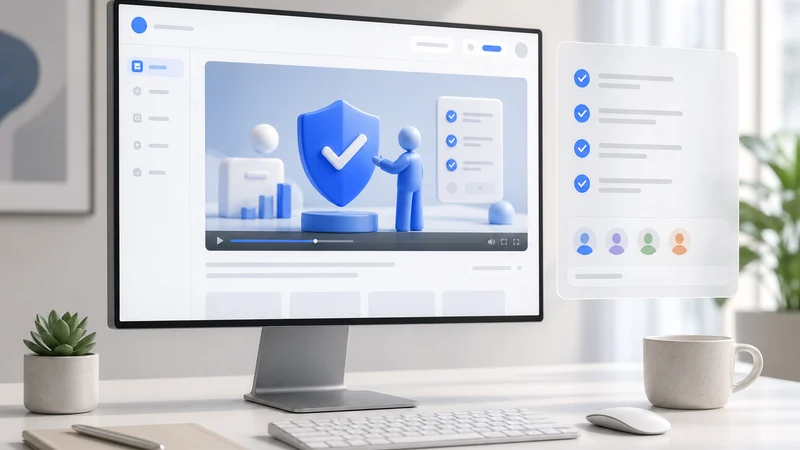
Most training videos start life as a document that already exists: an SOP, a policy, a handbook, a deck. The fastest route is not writing a script from scratch, it is converting the thing that already carries the correct process. This guide covers the realistic options, including the ones that are not AI tools at all, and then the exact steps for the document-to-video route.
What is the fastest way to make a training video?
Convert a document you already have. Upload the SOP, policy or handbook to a document-to-video tool, approve the generated narration script, and render. This skips scriptwriting, recording and editing entirely. A 10 page policy commonly becomes a 5 to 7 slide video, finished in about 15 to 25 minutes, and it can be updated later by re-uploading the changed document rather than re-recording.
The alternative routes all require you to produce the content yourself: record a screen capture, film a presenter, or build slides and narrate them. Those are better when the subject is your software or a specific person's expertise. They are slower when the subject is written process.
What are the options for making a training video?
There are four realistic routes in 2026: convert an existing document with AI, generate an avatar presenter video, record and edit a screen capture, or build it in a general design tool like Canva or PowerPoint. Each suits a different kind of training content, and the choice matters more than the tool inside each category.
Pick the route before you pick the tool. Choosing between two document-to-video products matters far less than choosing document-to-video over screen recording in the first place.
| Route | Best for | What you supply | Typical effort |
|---|---|---|---|
| Document to video AI | Written process: SOPs, policy, handbooks | The document you already have | Under 30 minutes |
| AI avatar presenter | Announcements, talking-head style corporate updates | A written script | About an hour |
| Screen recording | Software walkthroughs | A recording plus editing | Hours |
| PowerPoint or Canva | Slide-led content you already designed | The deck plus a voiceover | Hours |
| Microsoft Teams recording | Quick internal, low polish | A live session | Minutes, low quality |
How do you make a training video from a document, step by step?
Upload the document, choose the audience and the section to convert, pick a visual style with your branding, review and edit the narration script, then render and share. The script review is the step that decides quality, and it is the one most people skip.
The order matters. Choosing the audience before the script is generated changes what gets written, so doing it afterwards means regenerating.
- Pick the document that already carries the correct process. Do not rewrite it first.
- Choose the audience. A new hire and an auditor need different scripts from the same SOP.
- Select only the section you need. This controls both length and cost.
- Apply your logo and brand colors once so every future video inherits them.
- Read the generated script out loud and cut anything a person would not say.
- Render, then share the link internally or download the MP4 for your LMS.
Can you make a training video for free?
Partly. Most tools let you build and preview free and charge at export, usually with a watermark on the free tier. DistilBook grants 10 credits on signup with no credit card, and since a slide costs 10 credits that is the first slide of your training video, narrated, which you can watch in full; the remaining slides unlock on a paid plan. Watermark-free MP4 download starts at $20 per month.
Microsoft Teams and PowerPoint are genuinely free if your organisation already licenses them, and for a quick internal explainer that is often the honest answer. They cost time rather than money, because you record and edit everything yourself.
How do you make a training video using PowerPoint?
Two routes. Inside PowerPoint you can record narration per slide and export the deck as a video, which is free if you have Office but leaves you with static slides and your own voice. Or export the deck to PDF and convert it with an AI tool, which regenerates it as an animated narrated explainer with a synthetic voice in any of 20 languages.
The PowerPoint-native route is the right one when the deck design itself is the content and you want your own voice on it. The conversion route is better when the deck is a container for information that would explain better as animation.
What makes a training video actually work?
Keep it under about five minutes per topic, cover one process per video, say the key number or rule out loud rather than only showing it, and make it updatable. The last one matters most in practice: training content goes stale, and a video you can regenerate from an edited document survives, while one you filmed does not.
Split a long handbook into several short videos rather than one long one. People return to a five minute video about the specific thing they forgot. Nobody scrubs through forty minutes to find it.
Keep reading
Best AI Tools to Turn Documents into Training Videos in 2026
Eight AI tools that turn a PDF, policy or manual into a training video, compared on how they handle documents, narration, branding, price and export. Tested September 2026.
Best AI Whiteboard Animation Software in 2026
Whiteboard animation tools compared for 2026, including Golpo AI, StrokeVideo and Simi: which make the finished video with AI, what each costs, and the plan where the video carries your own logo. Prices checked 3 October 2026 (Simi on 18 September).
What Is an Explainer Video?
What an explainer video is, the five main types, what they cost in 2026 from agencies to AI, and the length data that actually predicts completion.